
Where Do Screen Recordings Go on Mac?
macOS puts every new screen recording in the same place unless you tell it otherwise. Here is where to look, and how to choose another folder.
The short answer
On your desktop. Recordings made with ⇧ ⌘ 5 or QuickTime Player are saved as .mov files named “Screen Recording [date] at [time]”. If you chose another place under Options → Save to, they go there instead.
1. Find a recording you just made
- Look on your desktop first.
- Not there? Open Finder and click Recents in the sidebar. The newest files are at the top.
- Or press ⌘ Space to open Spotlight and type “Screen Recording”.
2. Change where recordings are saved
- Press Shift-Command-5 to open the Screenshot toolbar.
- Click Options.
- Under Save to, choose one of the listed places, or choose Other Location and pick any folder.
New recordings go to that place from then on. The current choice has a checkmark.
3. If a recording seems to be missing
- You dragged the thumbnail.
- By default, a thumbnail shows in the bottom-right corner for a few seconds after you stop. If you dragged it into a folder, a document, an email or a note, the recording went there.
- Save to is set to an app.
- Options → Save to can send a recording to an app instead of a folder, and that app then opens it. Check what has the checkmark.
- The recording was cancelled.
- Pressing Esc before you click Record cancels it, so no file is made.
- It was a long recording.
- A long recording can take a moment to appear after you stop.
4. QuickTime Player recordings
If File → New Screen Recording opens the Screenshot toolbar, the recording follows the Save to setting above. If QuickTime’s own Screen Recording window opens instead, QuickTime opens the recording when you stop, so you can play, edit or share it from there.
5. Recordings from Mac Screen Recorder
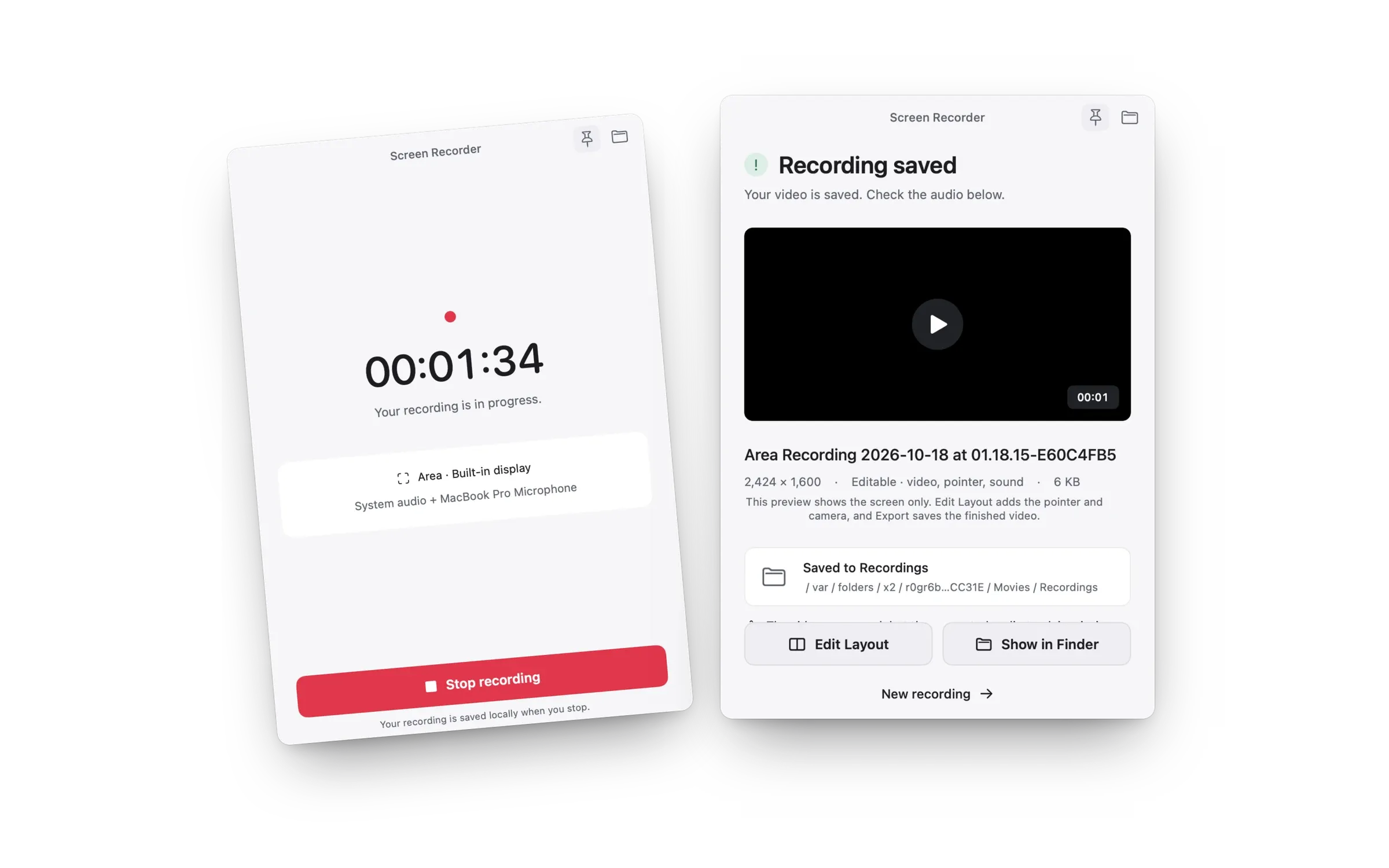
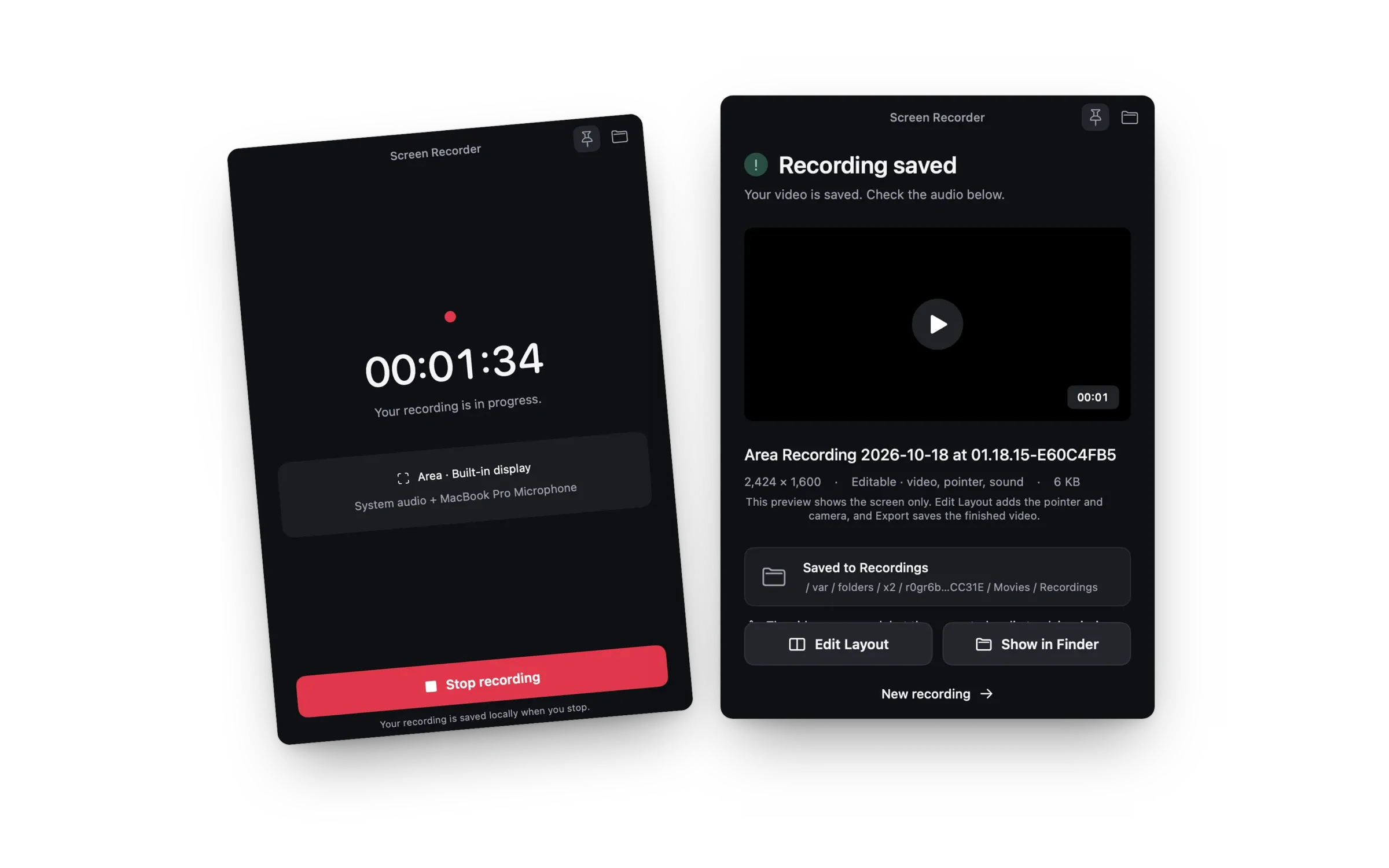
Mac Screen Recorder saves each recording to Movies → Recordings, unless you choose another folder. After each take, the Recording saved window shows the folder it went to, with a Show in Finder button. The folder button in the recorder window opens the folder at any time.
Common questions
Where do screenshots go on Mac?
To your desktop as well, as .png files whose names begin with “Screenshot” and include the date and time.
Why are screen recordings saved as .mov files?
.mov is the format macOS uses for screen recordings. QuickTime Player, iMovie and most video apps open it.
How do I stop a recording so it saves?
Click Stop in the menu bar or press Command-Control-Esc. See how to stop screen recording on Mac.