The screen recorder made for your Mac.
Record your screen, a window or any area with sound and your camera. Then make it shine with layouts, zooms and captions. No account, no watermark, no time limit, and nothing leaves your Mac.
Record. Edit. Share.
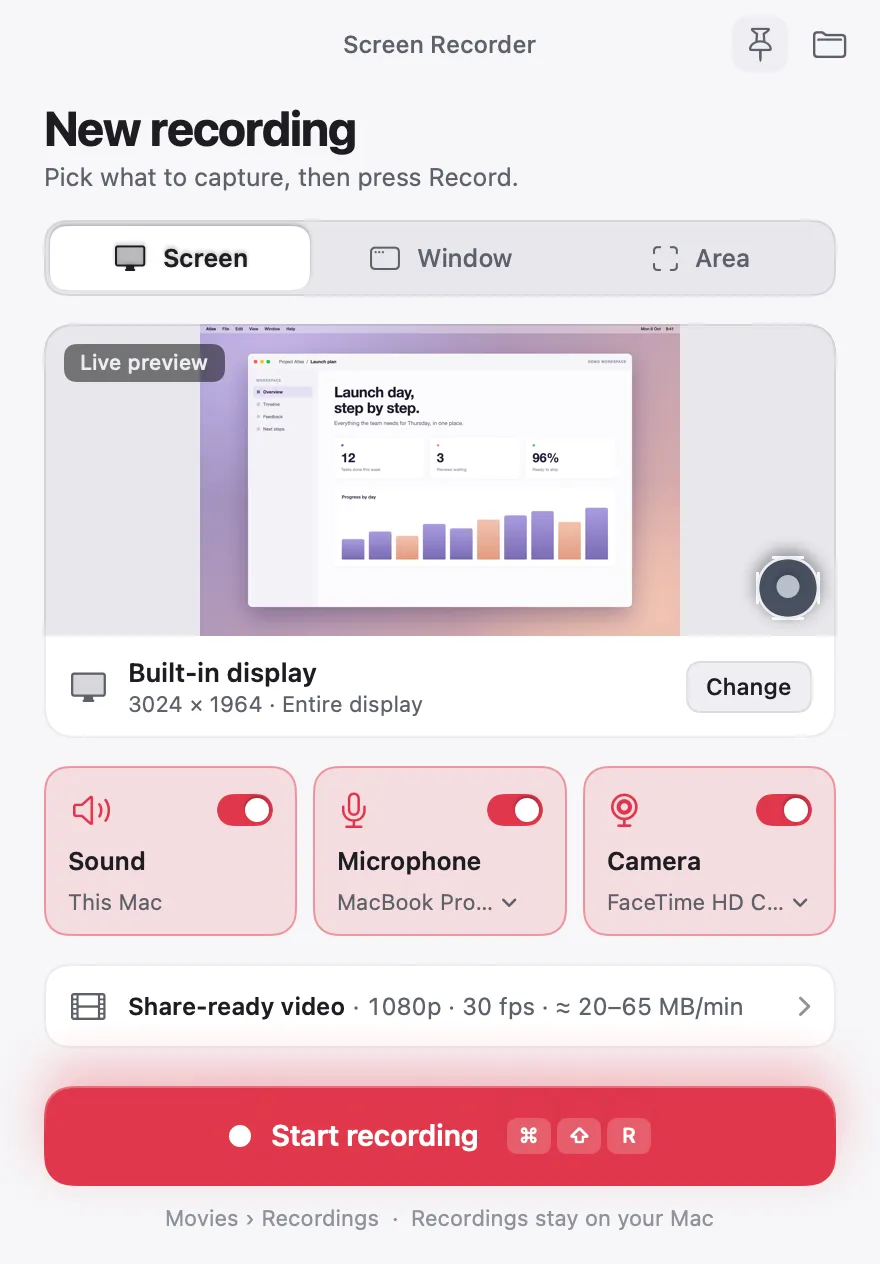
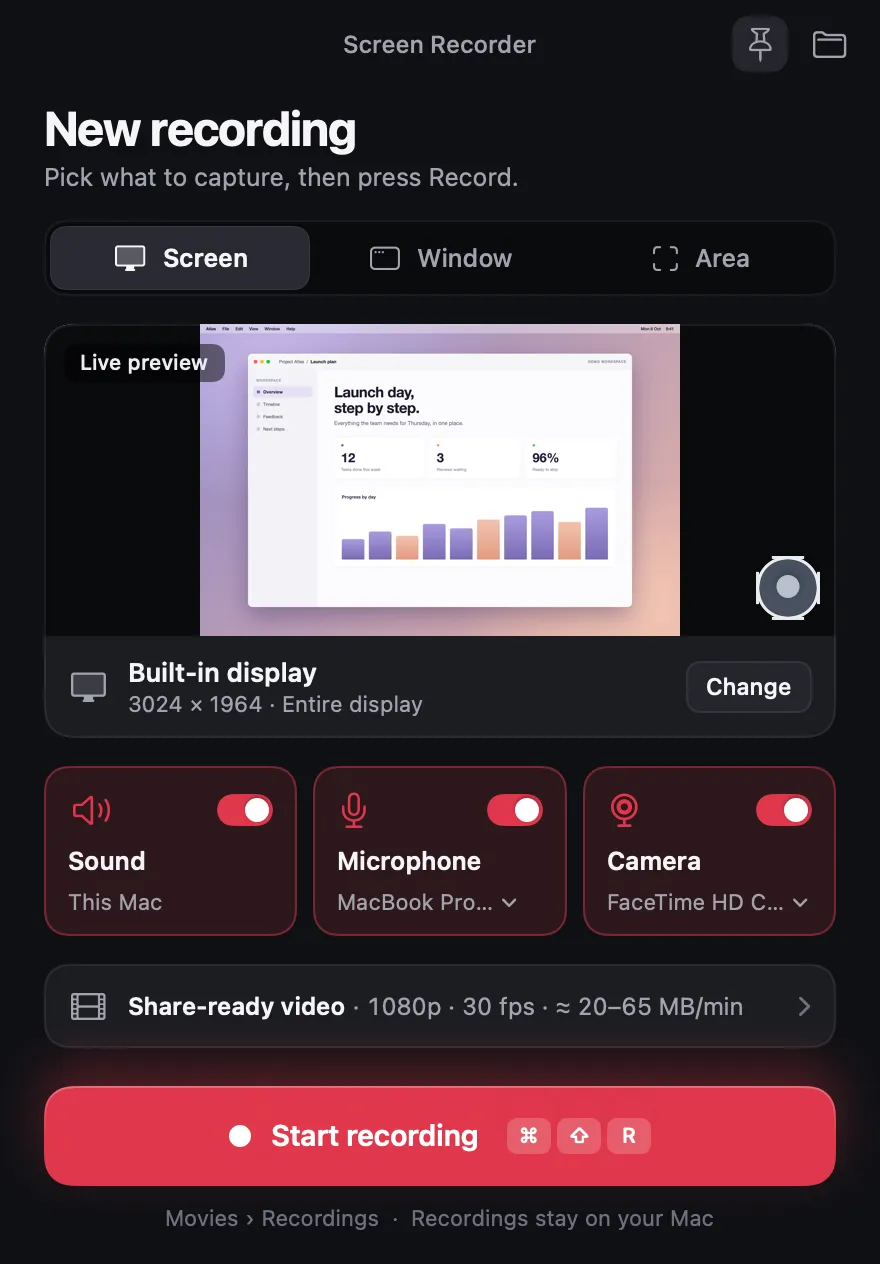
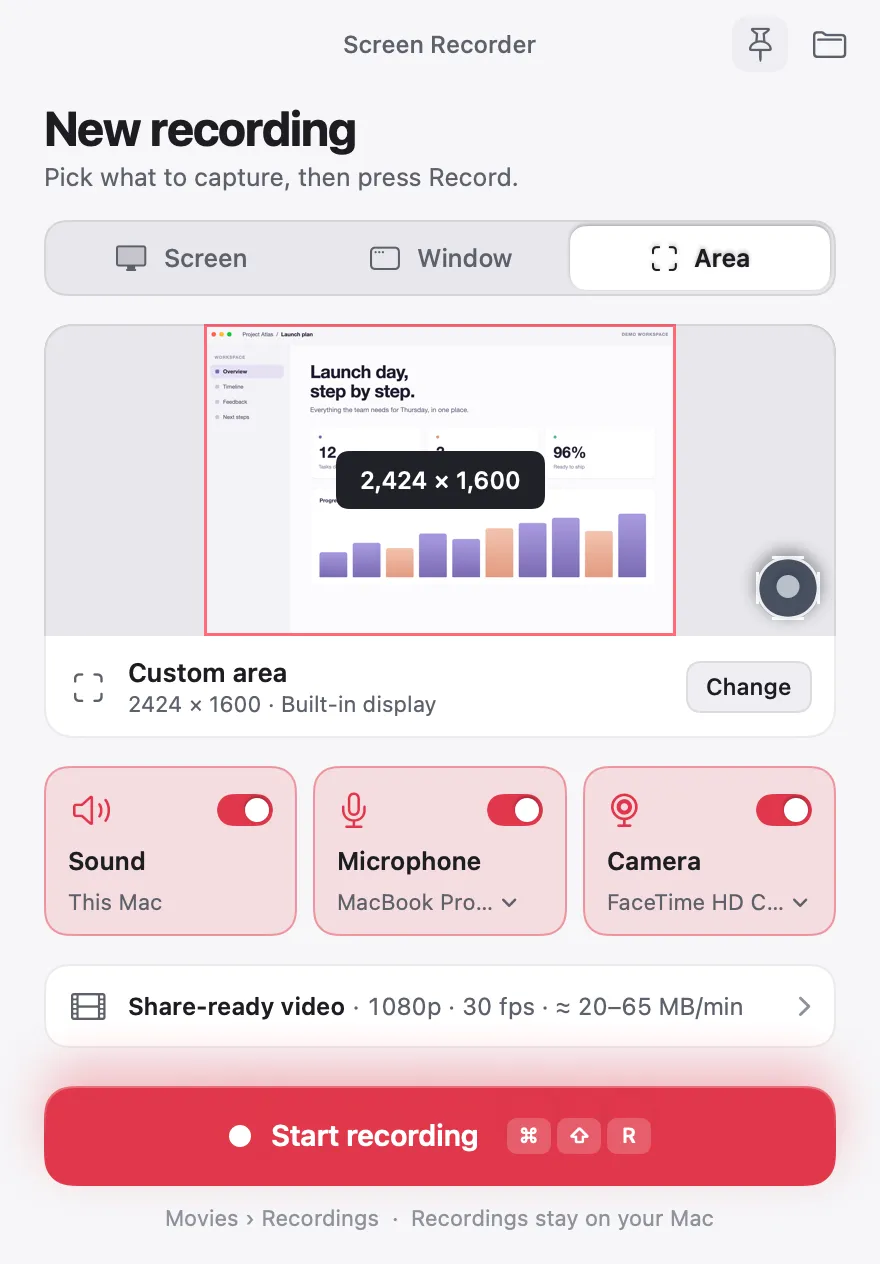
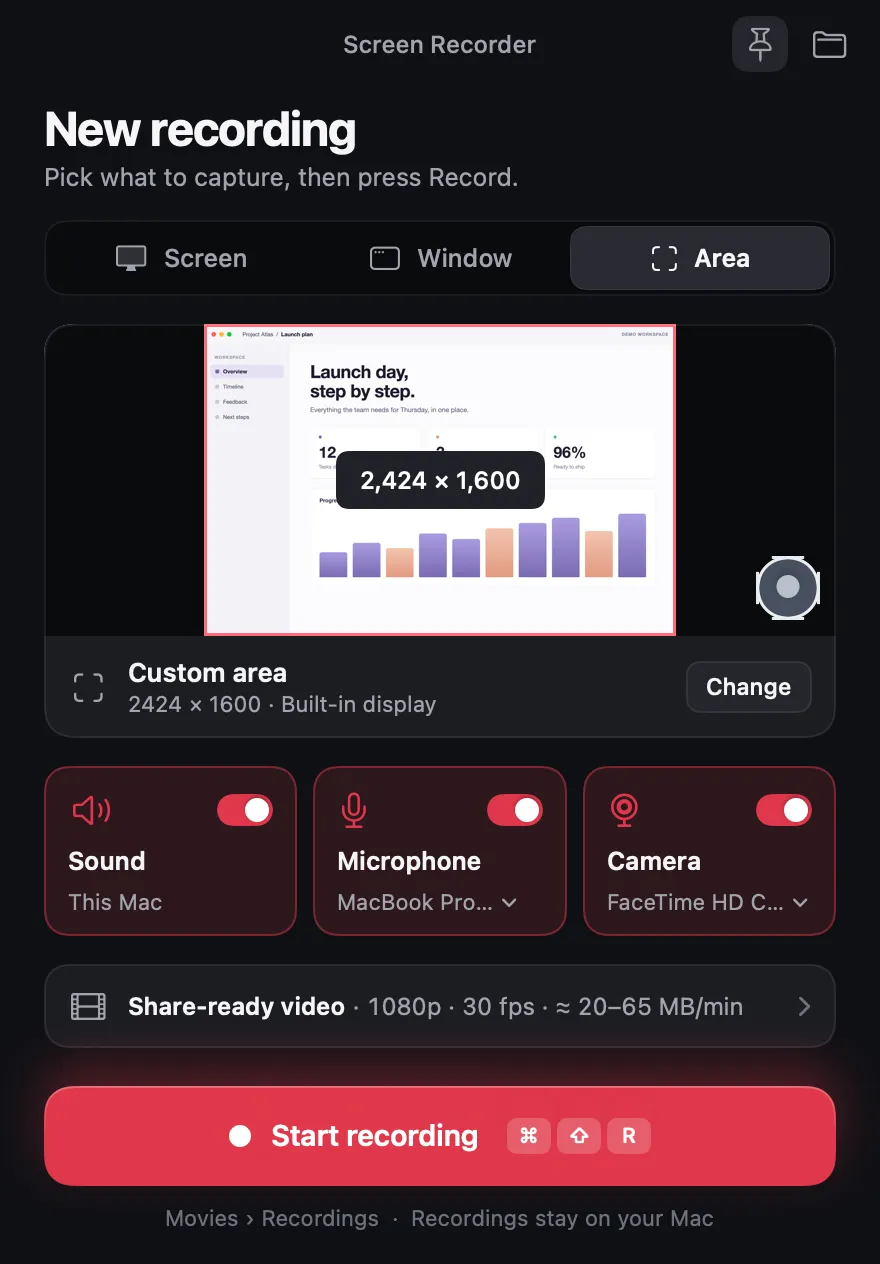
Pick it, press Record.
The whole screen, one window or any area, with your Mac's sound, your voice and your camera.
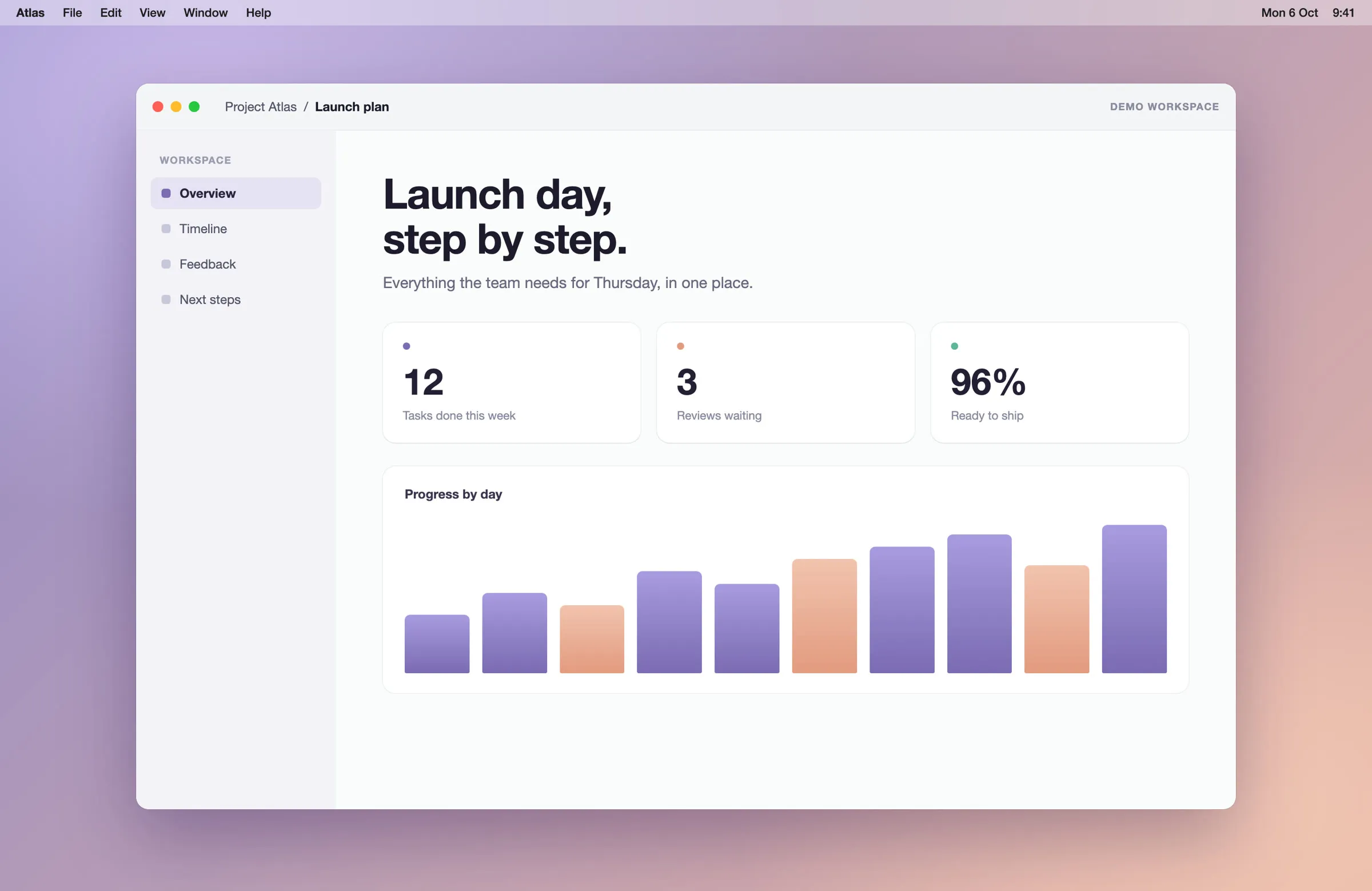
Make it look made.
Pick a layout, add zooms and captions, cut the slow parts. Every change shows right away.
Export for anywhere.
Wide for YouTube, tall for Reels and Shorts, square for posts. MP4 or GIF, up to 4K.
Screen, window or area. Your call.
Every mode keeps your Mac's sound and your voice in sync, and the app keeps itself out of the picture.
Make it look like you meant it.
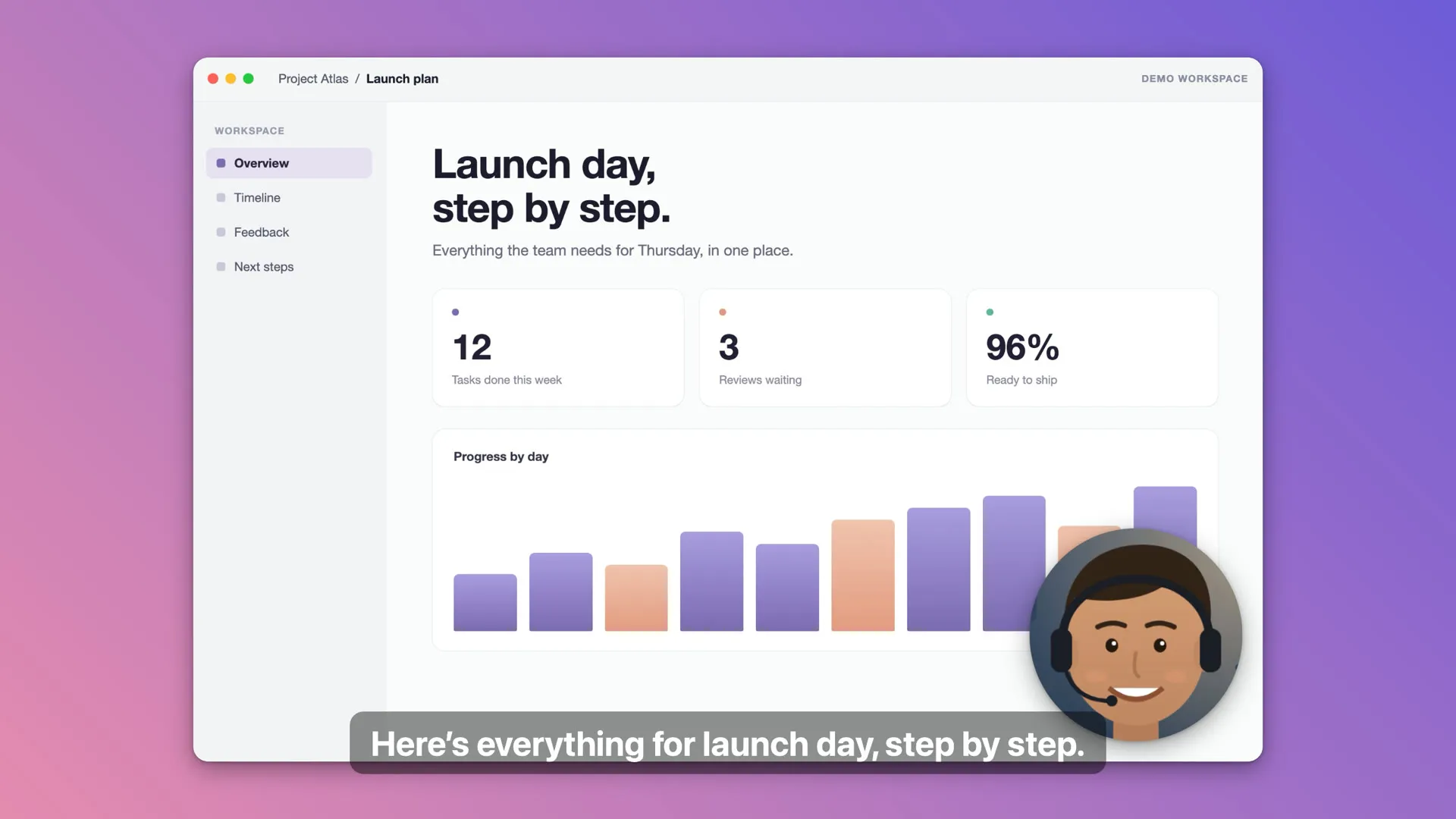
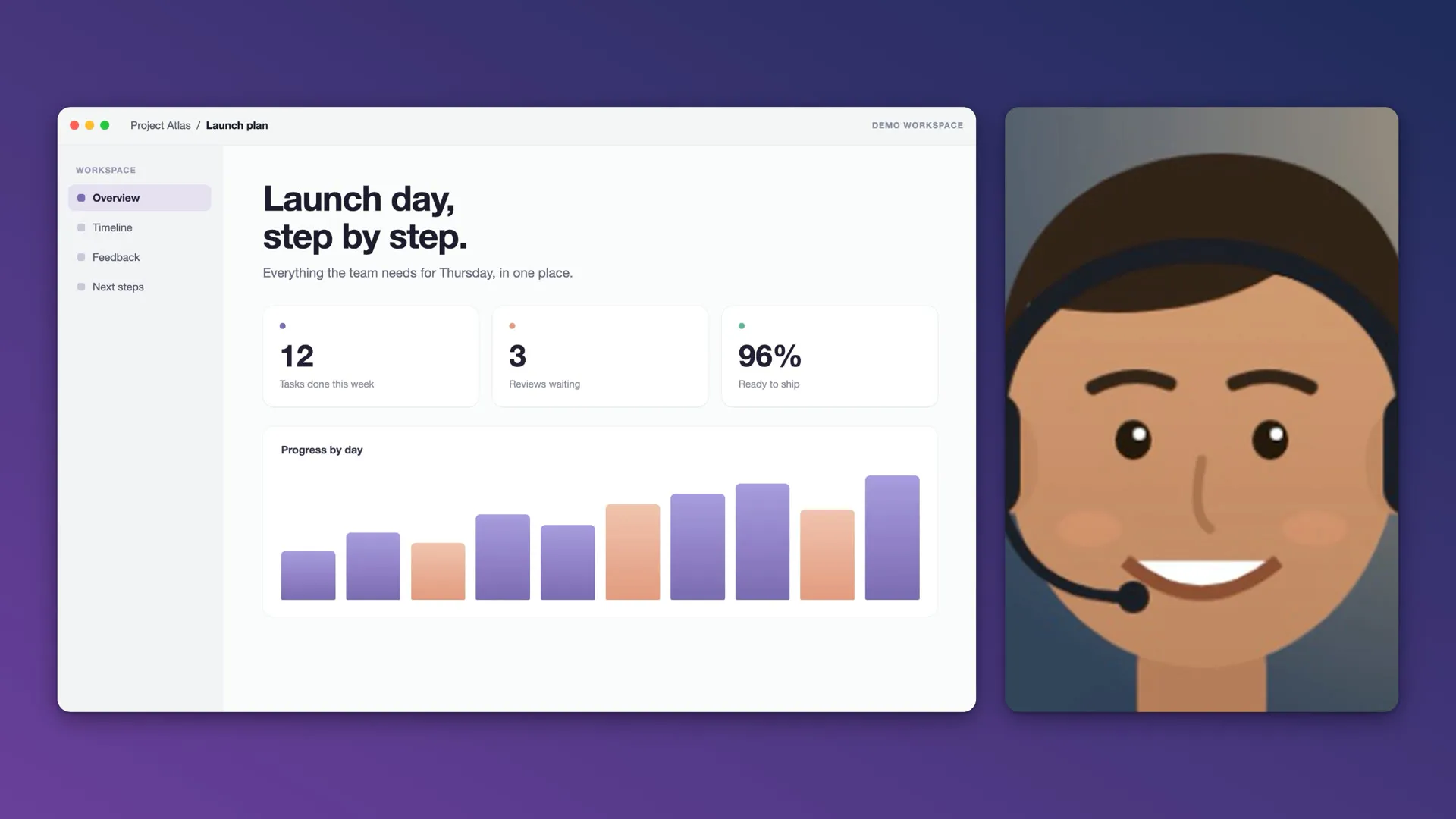
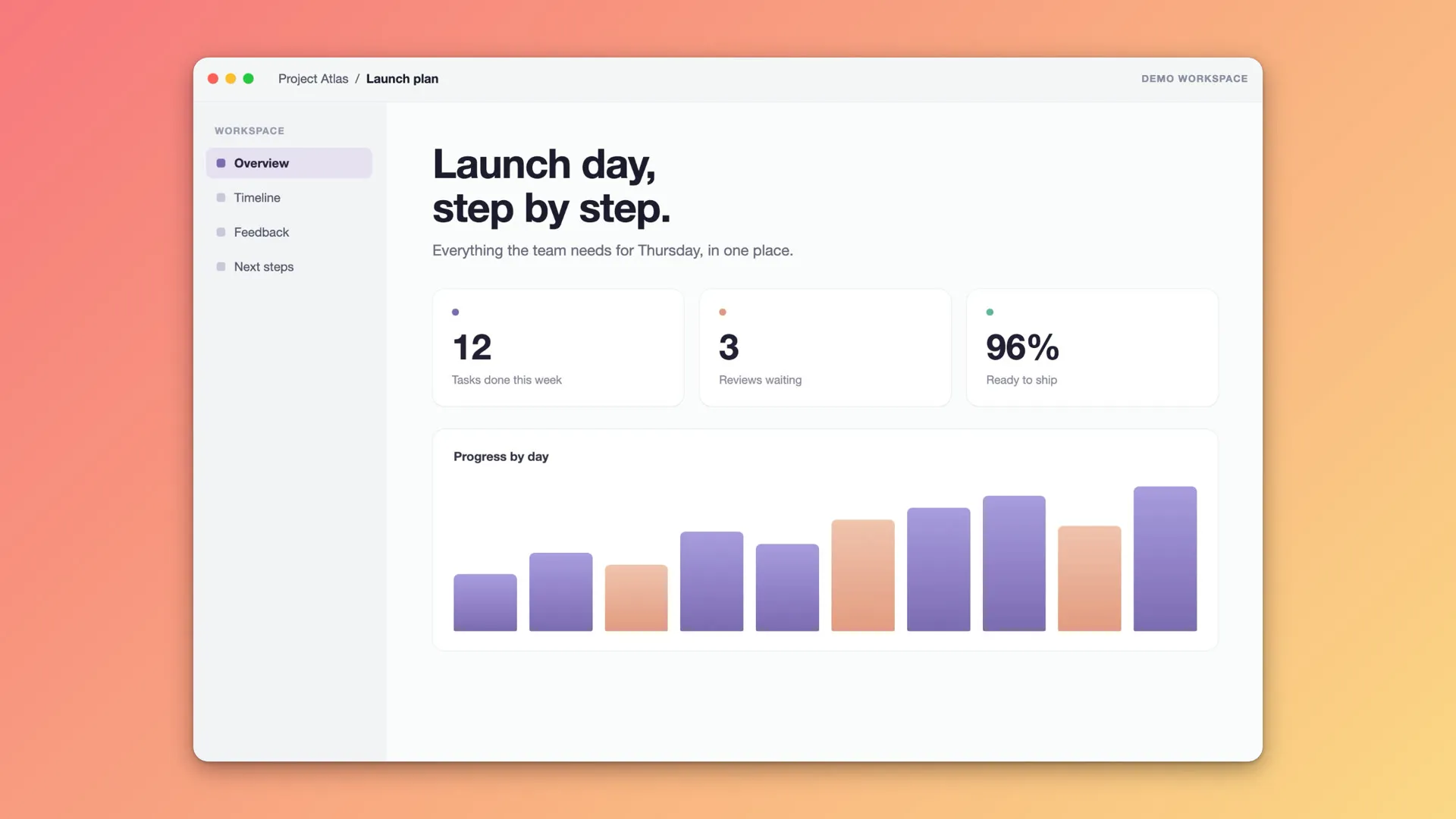
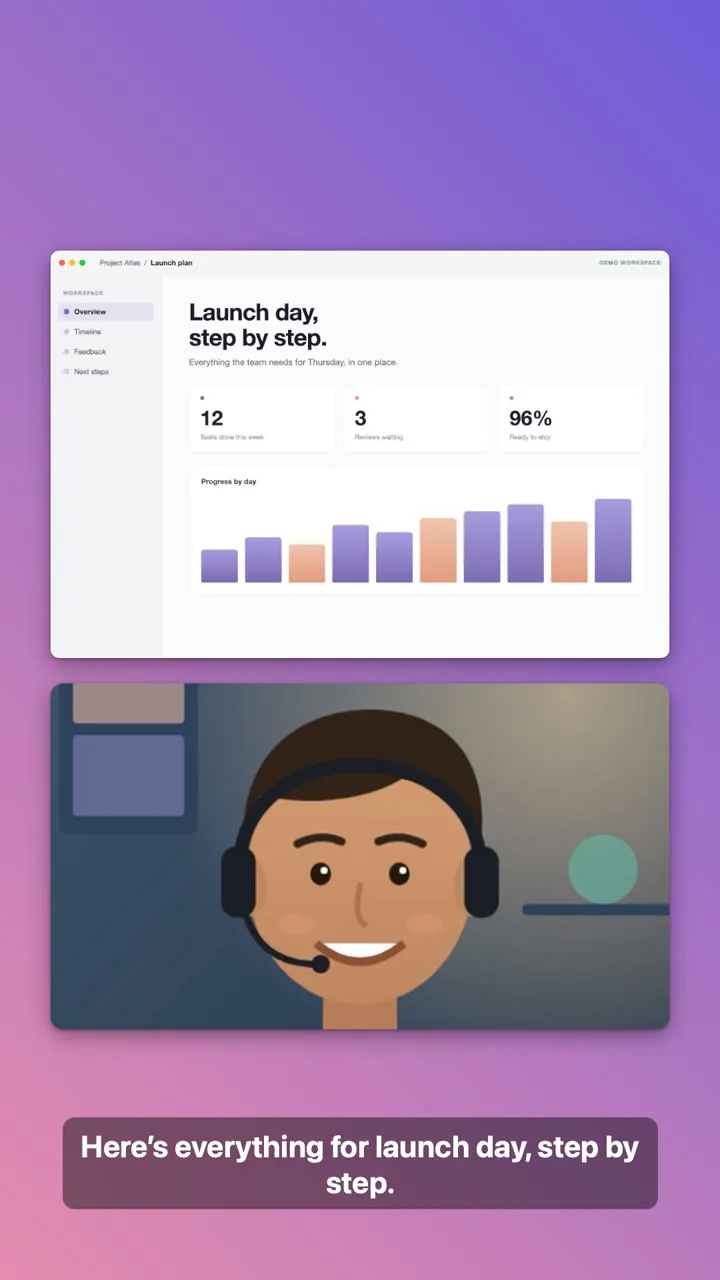
The editor comes with the app. Pick how you and your screen share the frame; these are real frames it made.
Zooms that follow your clicks.
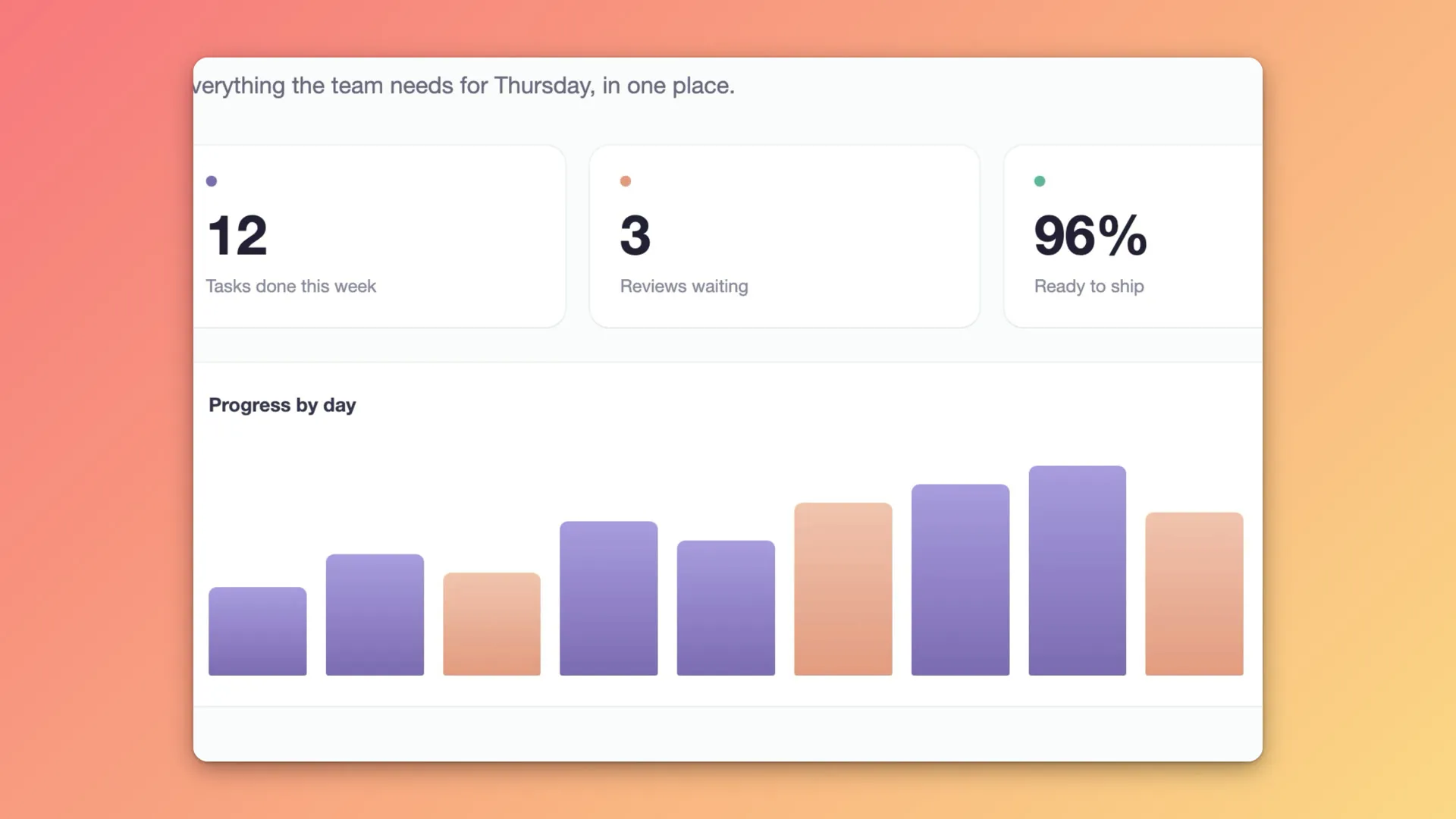
Zoom in on any part of the screen, or automatically wherever you click, eased in and out. Restyle the pointer too: size, smoothing and motion blur.
Blur what's private. Point at what matters.
Blur or pixelate a password or an email. Add a box, an arrow, a title or a name card.
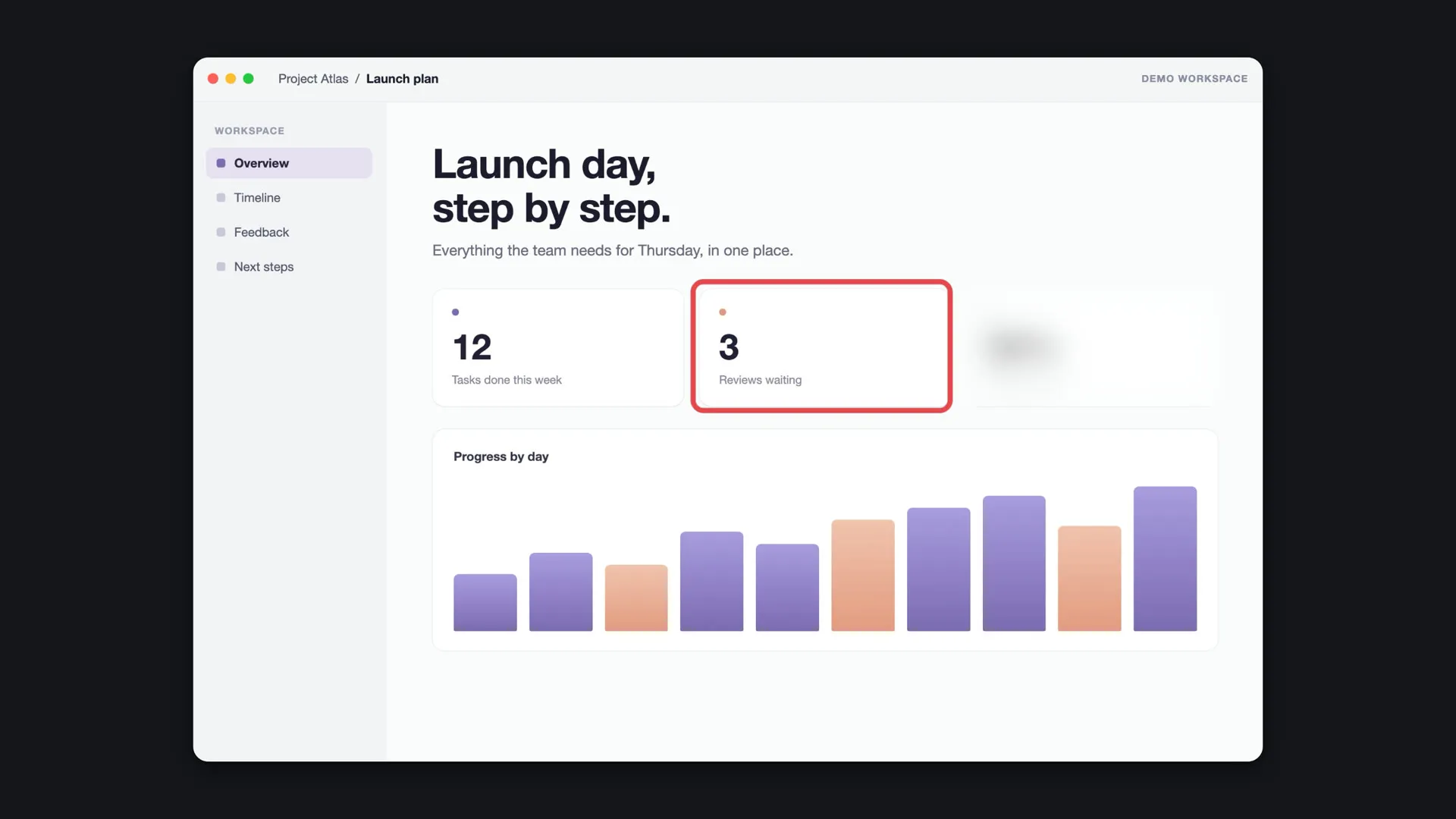
Captions, made on your Mac.
Transcribed on your Mac, never uploaded. Edit them, choose their style, and get a subtitle file with every export.
Cut by words.
Click a word to cut it. Remove long pauses and filler words in one go.
Clear voice, no studio.
Remove background noise with Apple's voice isolation, and add music from your own files.
Record internal audio on your Mac. No extra driver.
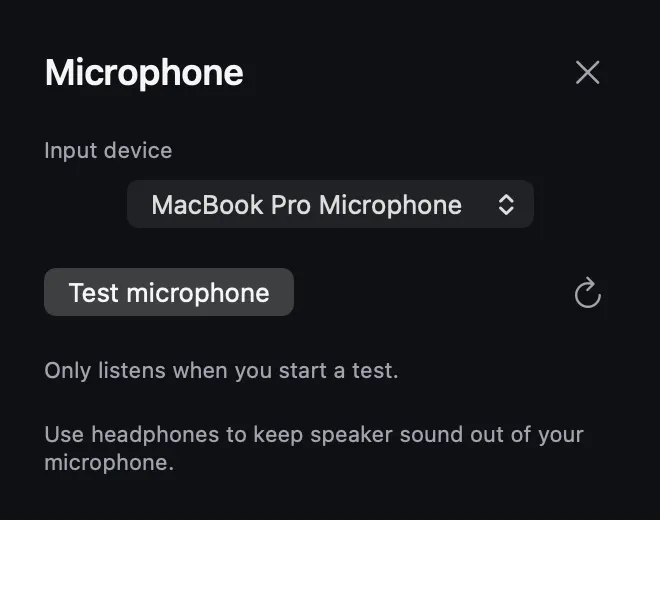
Capture what your Mac plays, your microphone, or both, in sync with the picture.
How to screen record on Mac with internal audio →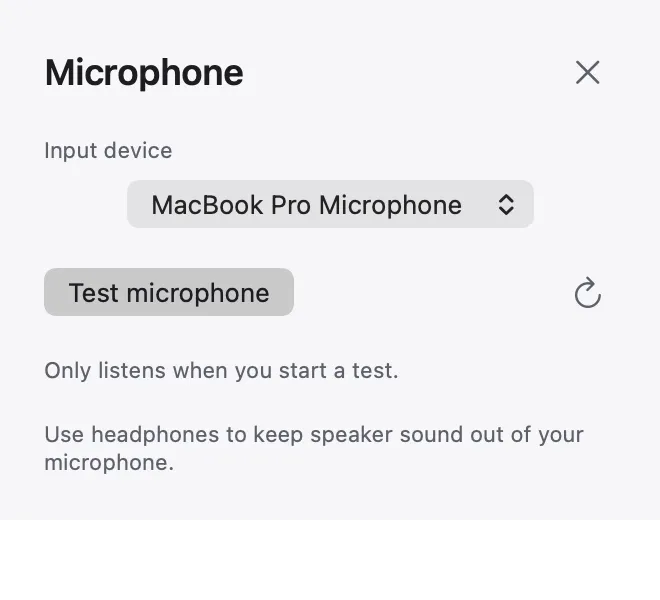
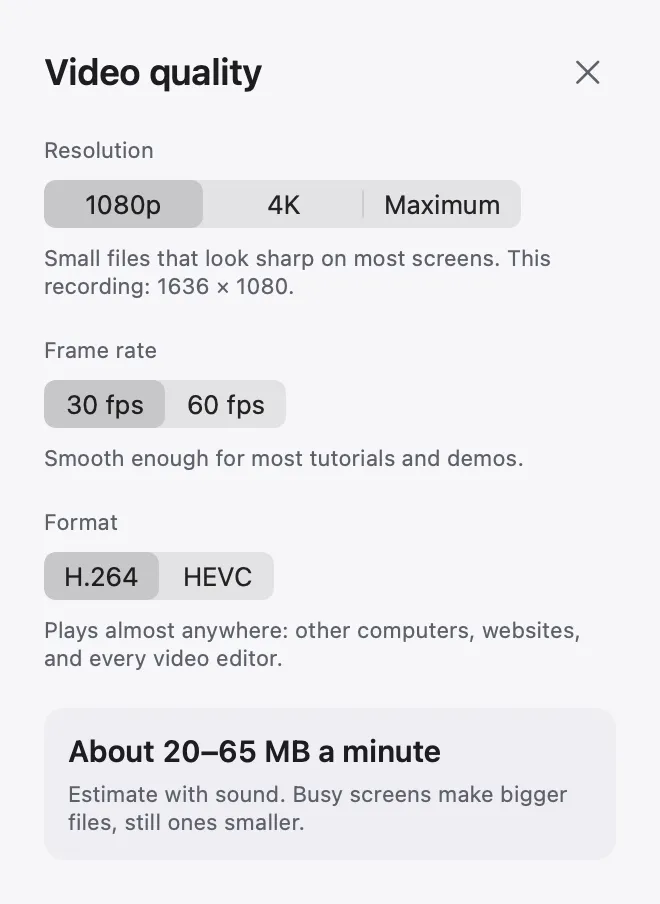
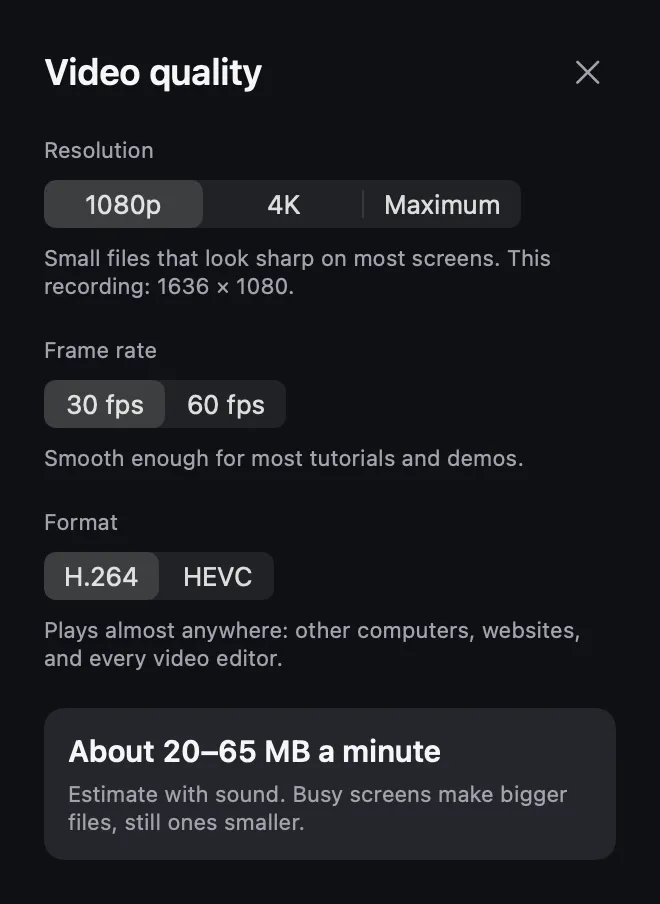
Sharp, and the size you expect.
See the estimated size per minute before you record.
A tiny bar while you record. Nothing else.
Drag it anywhere. Timer, sources and Stop in one place.

Your screen is nobody's business.
No account, no cloud, no upload. Recordings and projects are files in a folder you choose, captions are made on your Mac, and the privacy label reads “Data Not Collected”.
Download for MacWhy not just use QuickTime?
Your Mac's built-in recorder is great for a quick capture. Here is what you get on top.
| Feature | QuickTime and Screenshot (⇧⌘5) | Mac Screen Recorder |
|---|---|---|
| Record your Mac's sound | macOS 27 and later | ✓ macOS 15 and later |
| Record just one window | Whole screen or a selected area | ✓ |
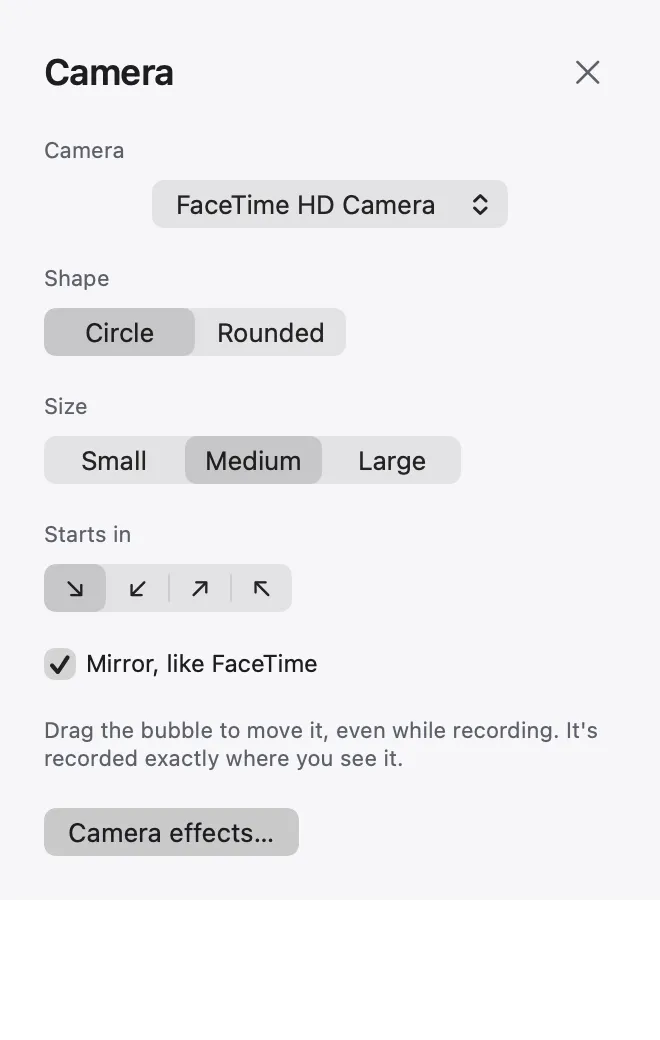
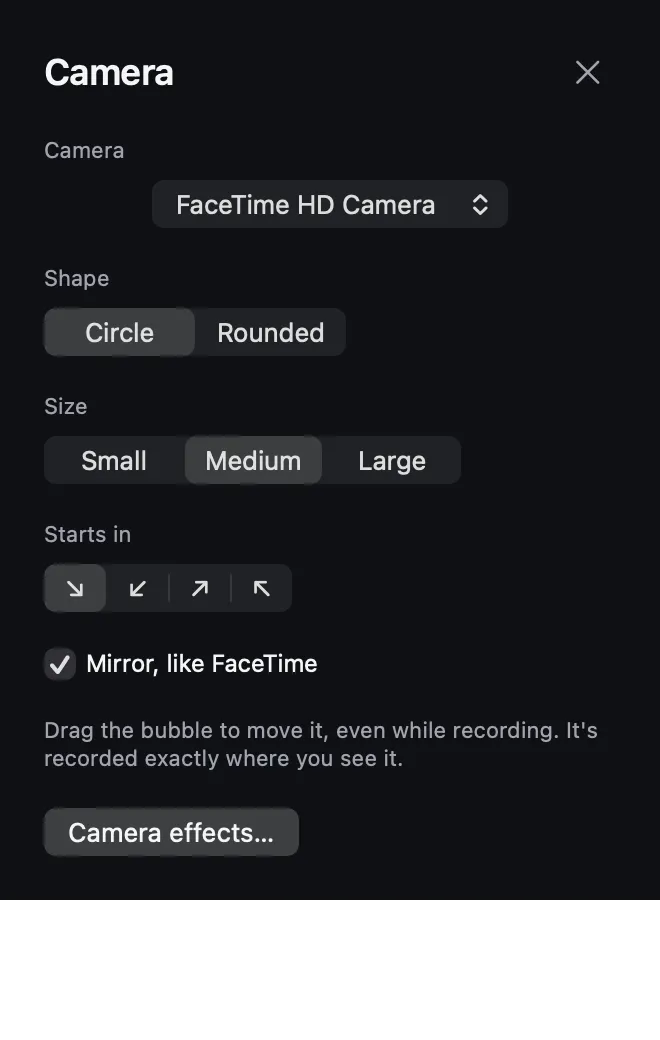
| Your camera in a bubble | — | ✓ Shape, size and corner |
| Resolution, frame rate and format | — | ✓ Up to 4K at 60 fps, H.264 or HEVC |
| Layouts, zooms, captions | Trim in QuickTime Player | ✓ |
| Price | Built in | Free for now · Pricing |
Learn to record like a pro.
How to Screen Record on Mac with Internal Audio
Choose the right audio source, check your macOS options, and make a short recording you can hear.
PRODUCT DEMOS · 4 MIN READHow to make a product demo video worth watching
Start with the outcome, choose one path, use believable sample data and record in three short beats.
TUTORIALS · 4 MIN READHow to make a tutorial video people can follow
Set a finish line, write the steps first, keep the screen readable and let each action land.
Questions, answered.
Can it record internal audio on a Mac?
Yes. Turn on Sound to record what your Mac plays, Microphone for your voice, or both.
Does it add a watermark or a time limit?
No. Your video is exported exactly as you made it, as long as you like.
How much does it cost?
It's free for now. See pricing for what comes later.
Can I add captions?
Yes. Captions are made on your Mac from what you said; you can edit and style them and export them as a subtitle file.
Which Macs does it run on?
Macs with Apple silicon on macOS 15 or later. Recording a single window needs macOS 15.2 or later.
Can I record myself with my camera?
Yes. Add yourself in a bubble while you record, then pick a layout in the editor.
Does it upload my recordings?
Never. Nothing leaves your Mac unless you share it yourself.
Can I make vertical videos?
Yes. Switch the frame to 9:16 for Reels, Shorts and TikTok, or 1:1 for posts.
Press record. That's it.
For every Mac with Apple silicon. Set up in a minute.