How to make a tutorial video people can follow
Set a finish line, write the steps first, keep the screen readable and let each action land.
01. Define a finish line.
A tutorial needs a visible destination. “Create your first project” is easier to follow than “Learn this app.” Show or describe the finished result before you begin.
02. Write the steps before recording.
Draft a short numbered list with one action per step. If a step contains several decisions, split it up. You should be able to explain why each action is necessary.
03. Make the interface readable.
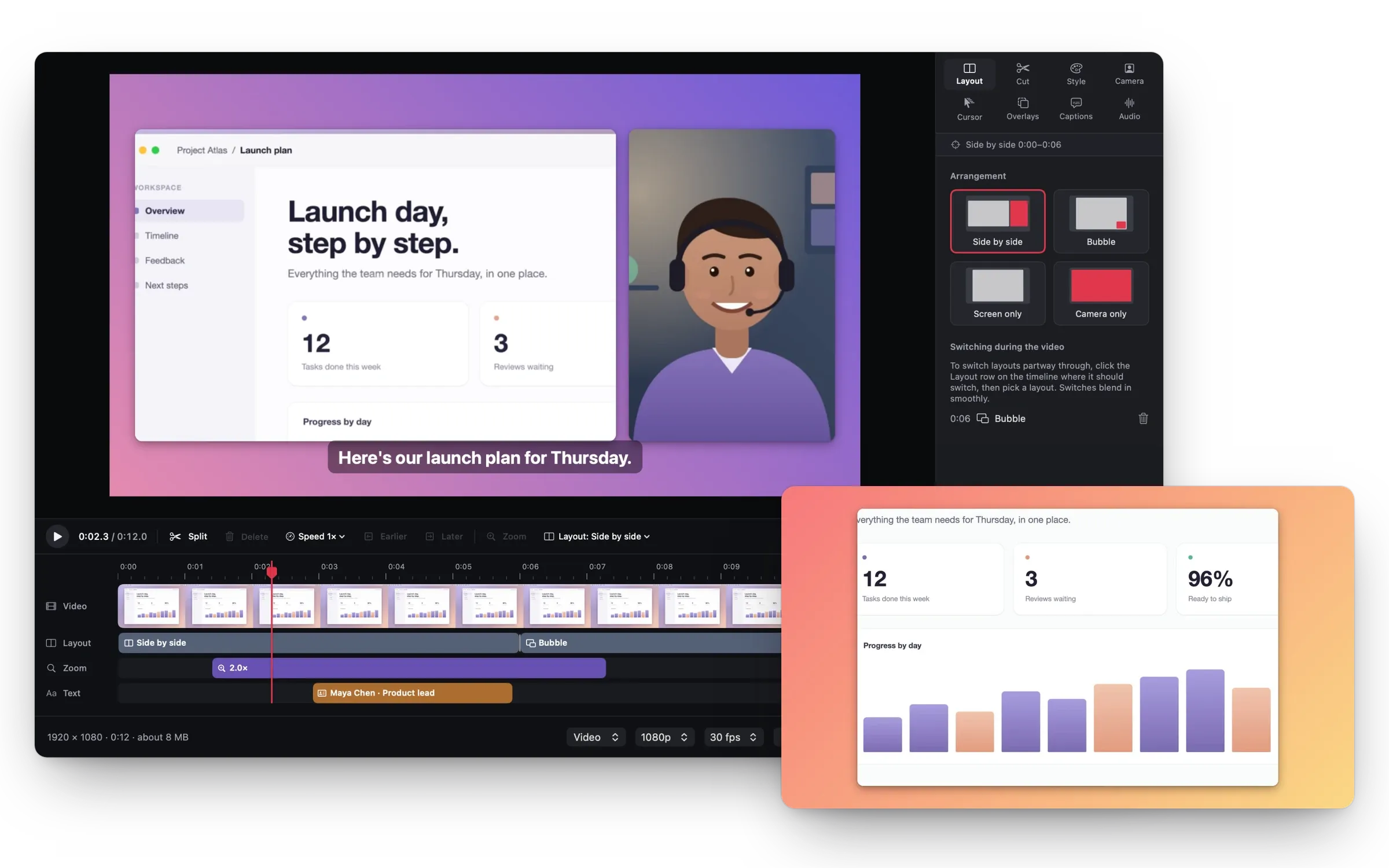
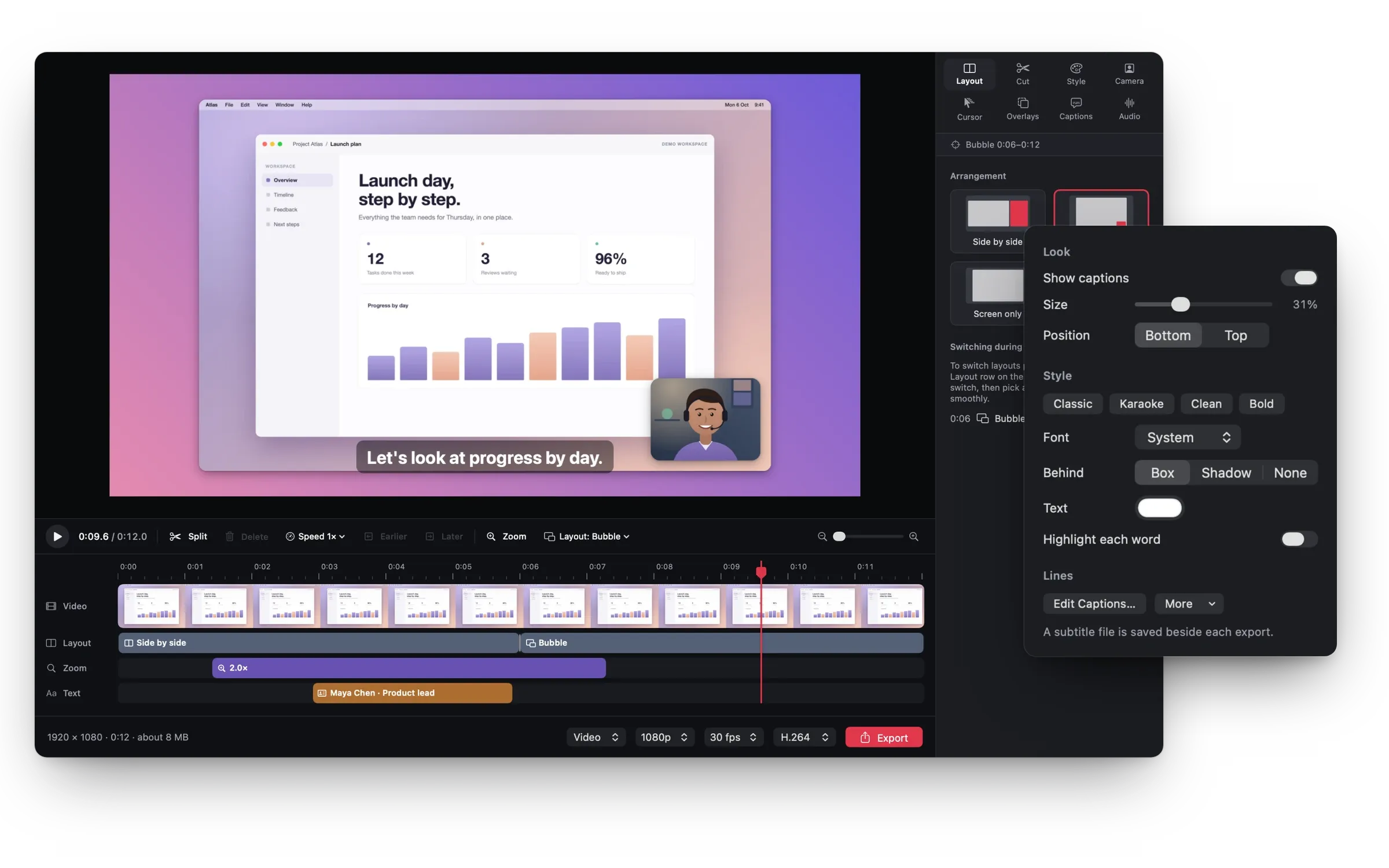
Use a sensible window size and increase application text where appropriate. Leave enough context around the active control so viewers know where they are. Test a short sample at the size your audience will watch.
04. Give actions room to land.
Name the control, perform the action, then pause briefly to let the result register. Moving too quickly between screens forces the viewer to keep rewinding.
05. Explain decisions, not every movement.
Use narration for context that the screen cannot show. Say why you selected an option or what to check next. There is rarely a need to narrate every pointer movement.
06. Check the lesson with fresh eyes.
Follow the finished tutorial from an empty starting state. Confirm that every necessary step appears and that the final result matches the promise. Add any prerequisites to the description.